Start on the overview
See the day, and what is still open from yesterday.
Arrivals and departures, bookings from every channel, and everything that needs a person in a single queue. The daily work in one place.
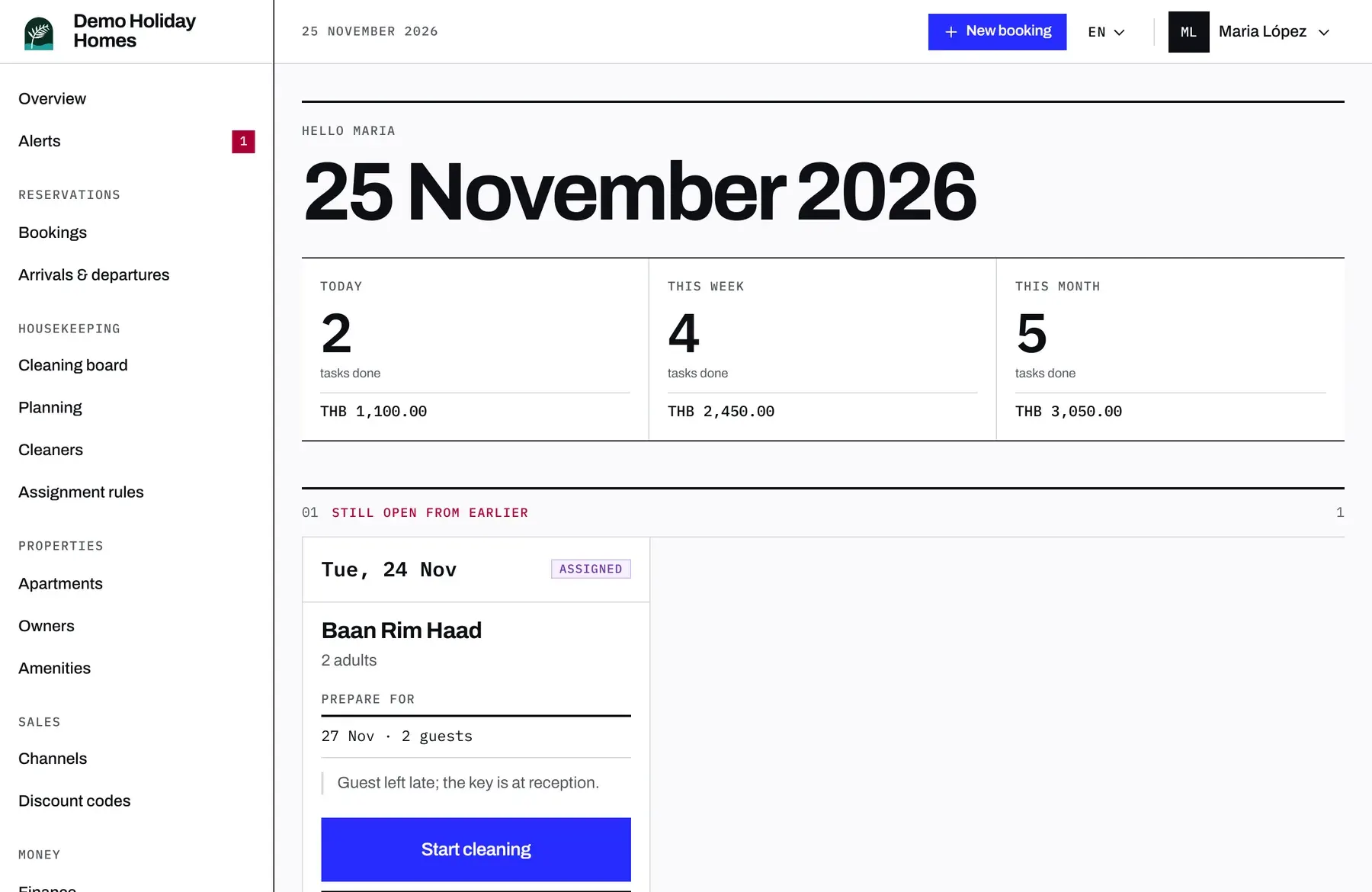
The overview greets you with the day: tasks done today, this week and this month, work still open from earlier and what to prepare for the next guests.
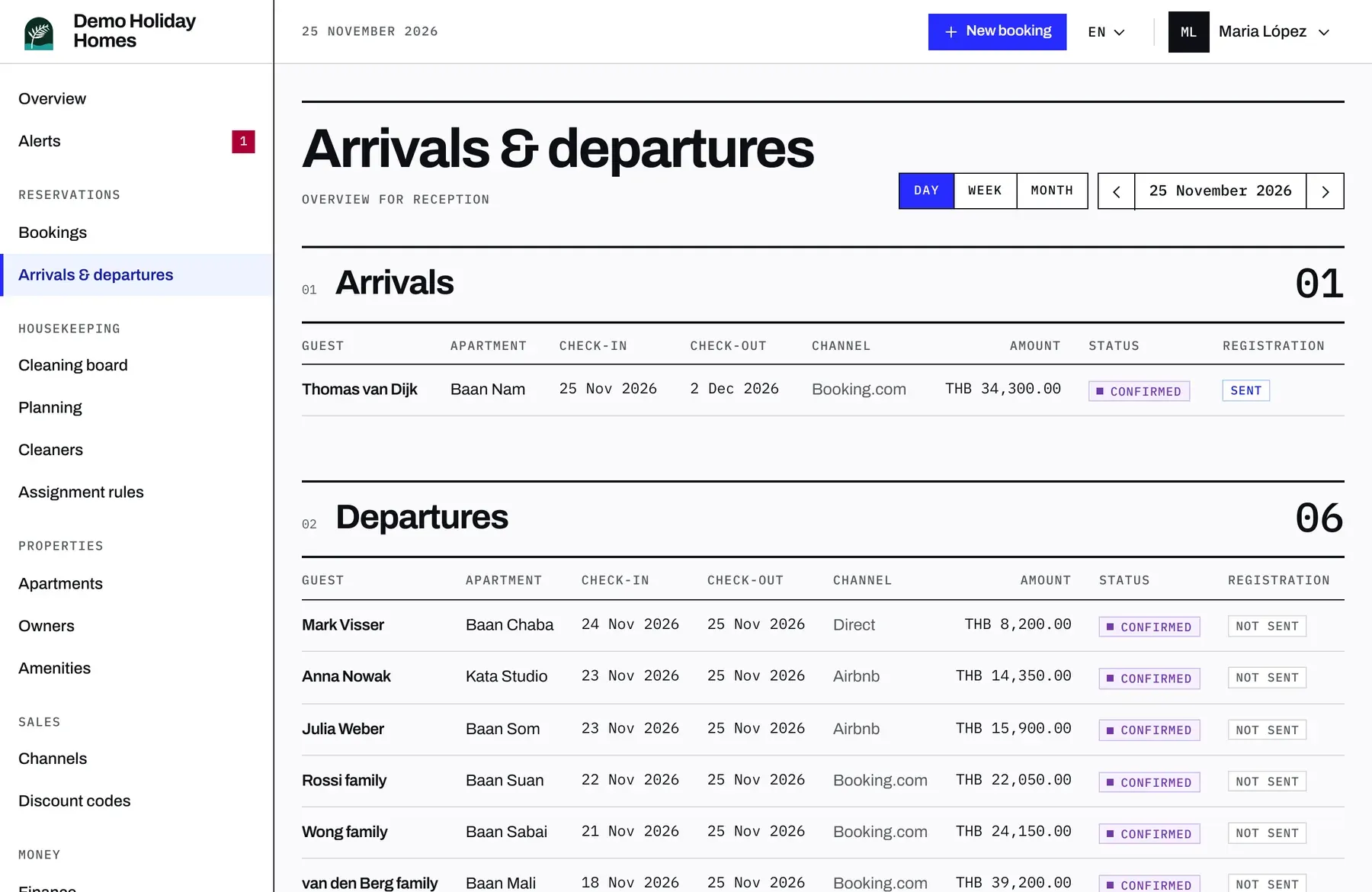
Switch between day, week and month to see who arrives and who leaves, with the expected times the guest gave you, so reception is never surprised.
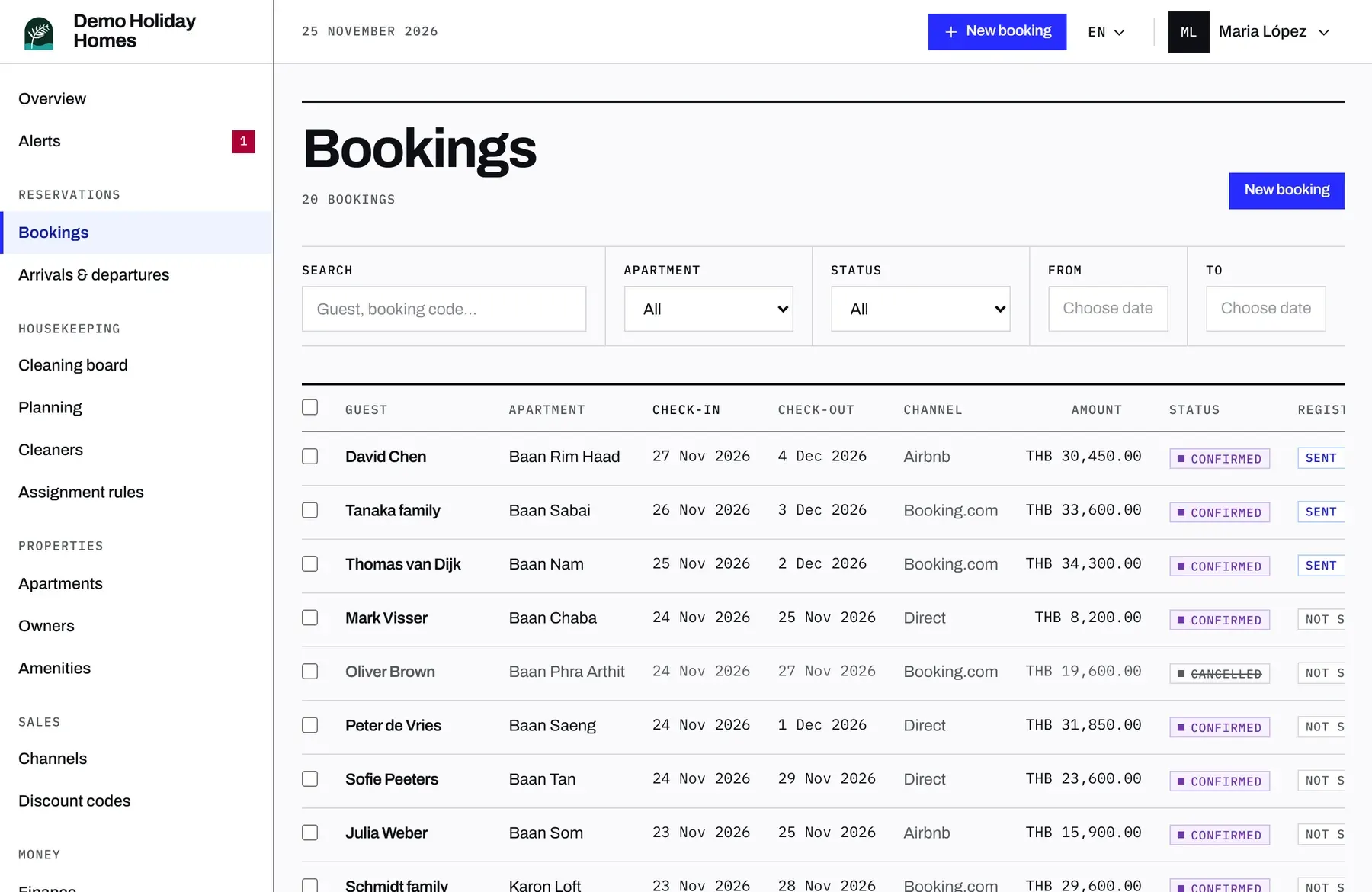
Website, Airbnb, Booking.com and hand-entered bookings sit in one list. Search by guest or code, filter by apartment, status or dates.
Instead of finding problems by accident, they arrive in one list. When the cause goes away, the item clears itself.
Enter a booking by hand and the system checks it at the moment of saving, against stays, live holds, owner blocks and imported calendars. Nobody can take the same dates twice.
The same four stops every day, and nothing to remember.
See the day, and what is still open from yesterday.
Work through the queue. Anything that fixed itself is already gone.
Today’s guests with their expected times and registration form status.
Make sure the apartments will be ready before the next guests walk in.
The places you set things up once and then rely on.
Descriptions, photos, amenities, rates, fees and cleaning settings per apartment.
A PDF and a short note per apartment, sent to the guest once the stay is fully paid.
Close dates for maintenance or an owner stay. Refused over a guest or another block.
Every mail a guest received for a booking, and when, on that booking.
Translate apartment content and override any text or e-mail, with export and import.
Admin, staff, cleaner and owner, each seeing only what their work needs.
Owners with their apartments, and your company details on invoices and mails.
Charts for admins, per period and per apartment.
No. Staff work with bookings, arrivals and cleaning, but the booking amounts are removed before the page reaches them. Admins see everything.
Channel bookings come in through the connection, and your upcoming direct bookings are entered during setup. Automatic guest mails can be muted per booking, so nobody gets a surprise e-mail.
No. Every booking, by guest, channel sync or by hand, is checked against existing stays, holds, blocks and imported calendars at the moment it is saved.
Each user picks their own language. English and Dutch are live; more languages on request.
The demo is a complete installation of a fictional rental company. Book a stay, pay with the test checkout and look around the back office.